
Back to Support

How to Provide Access to Google Ads
Grant SiteMeUp access to your Google Ads account so we can manage your campaigns.
1
Log into Google Ads
Log into your Google Ads account at https://ads.google.com.
2
Find your Customer ID
Find your Customer ID at the top right of the page (e.g. 123-456-7890).
3
Email the Customer ID
Email this customer ID to adwords@sitemeup.co.za so we can send a request from our MCC.
4
Accept the request
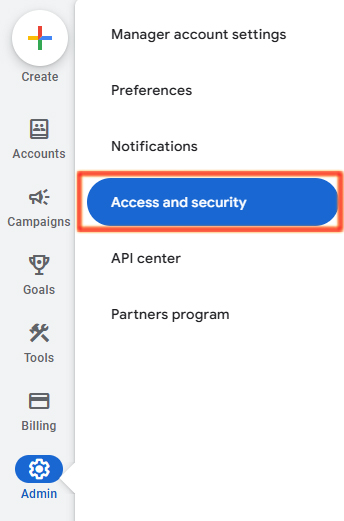
Once the request is sent, accept it from your Google Ads account under Admin (Bottom left) > Access and security > Managers.