
Back to Support
How to Provide Access to Google Merchant Center
Grant SiteMeUp access to your Merchant Center for product feed management.
1
Log into Merchant Center
Log into https://merchants.google.com.
2
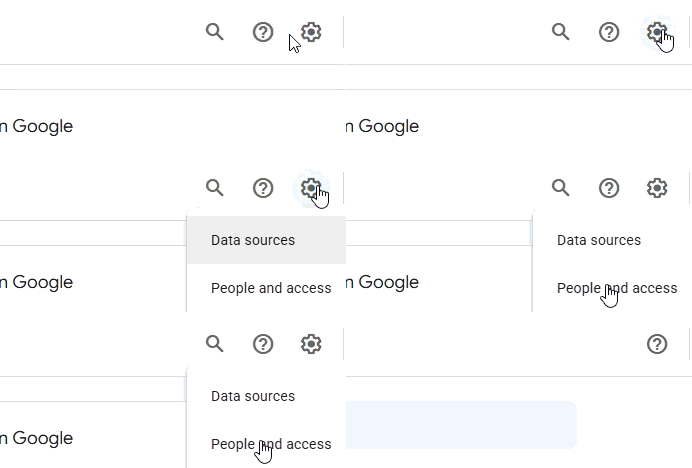
People and access
Click the Tools and settings icon > People and access.
3
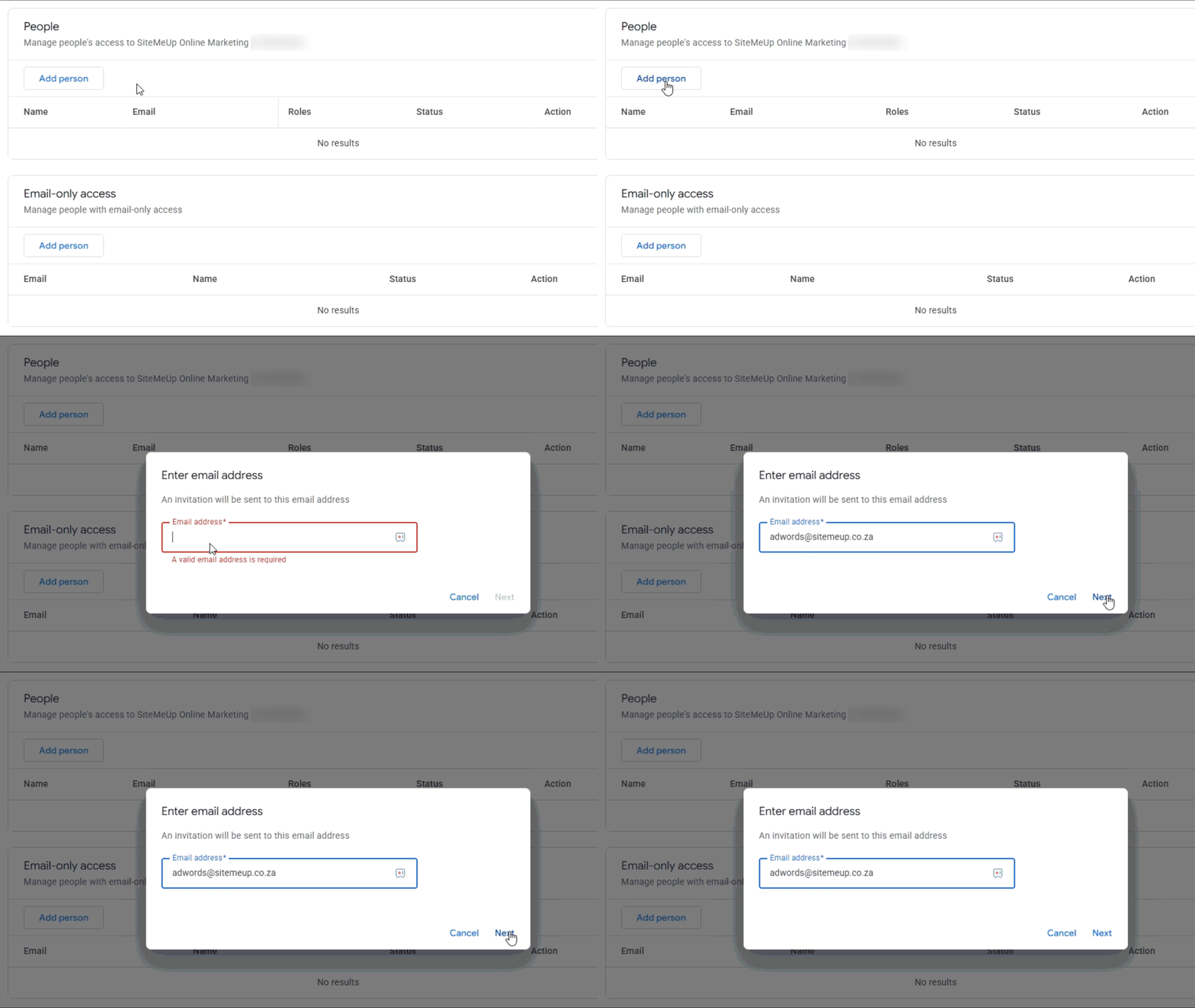
Add Person
Click Add Person, enter adwords@sitemeup.co.za and select Next.
4
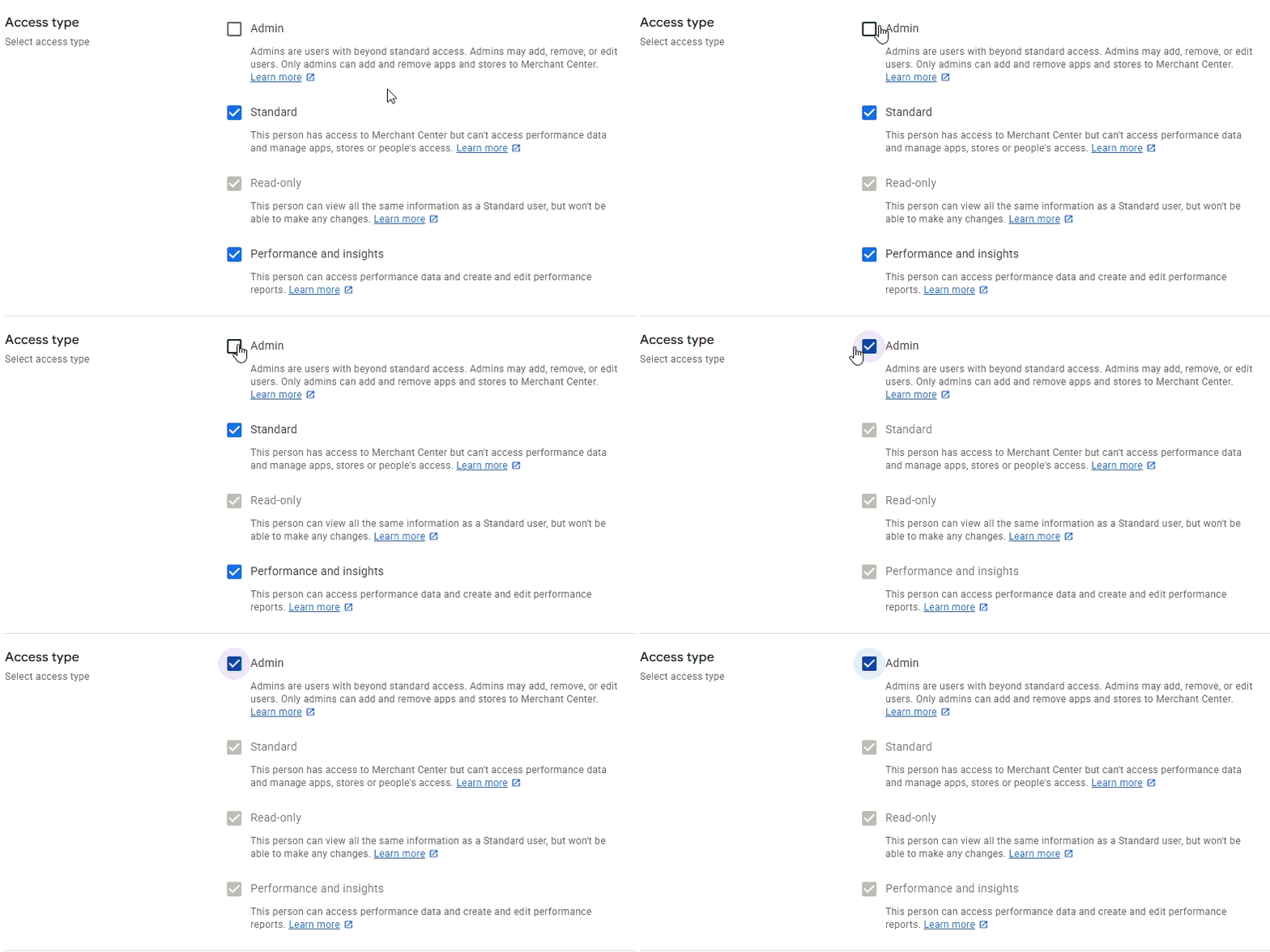
Assign access
Assign Admin access type.
5
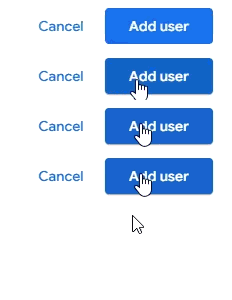
Confirm
Click Add user to confirm (bottom right).